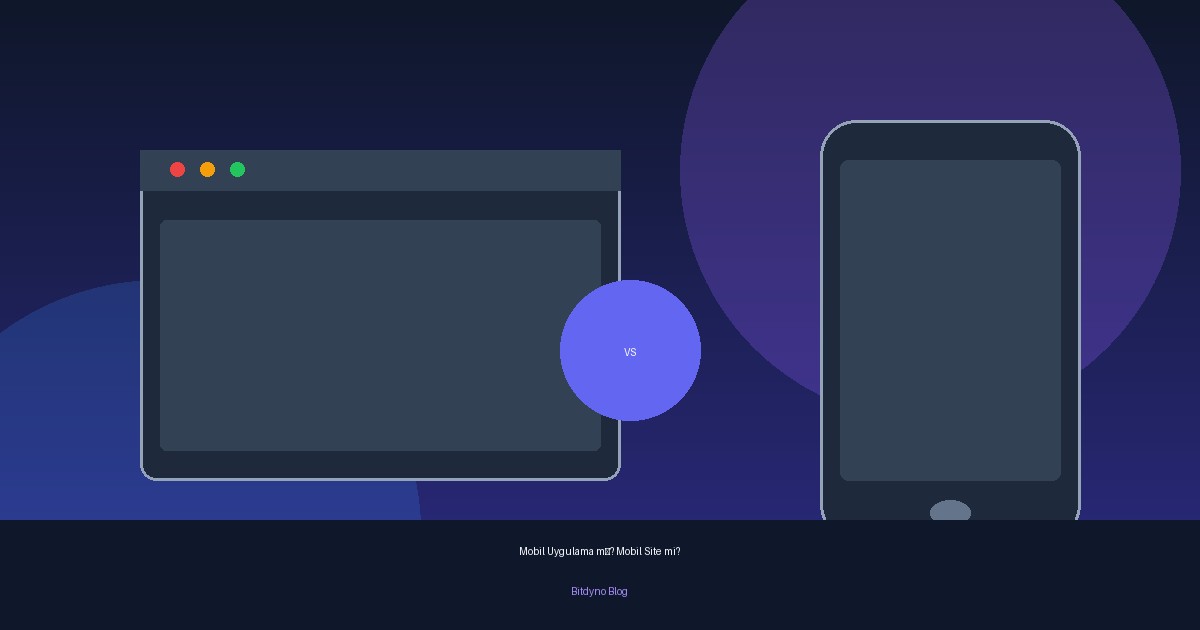
One of the most common sentences from business owners: "Our competitor has an app — we need a mobile app too." That line often comes from a feeling of falling behind, not from a real need. Building an app without a solid reason can be expensive and become a burden you carry for years. Sometimes what you need is not an app — just a website that works properly on phones.
In this article we compare three options — a mobile-friendly website, a PWA, and a native mobile app — in plain language. Our goal is not to push you toward one side; it is to help you ask the right question before you spend. The wrong choice burns both budget and months you never get back.
Three Options, Three Different Worlds
Mobile-friendly website (responsive)
This is not a separate product; it is your site looking and working properly on phones. In 2026 this is no longer a "feature" — it is the baseline. Users open it in the browser, no download, no update hassle. For most businesses, this is what they actually need.
PWA (Progressive Web App)
A smart middle path. Built with web technology but behaves like an app: add to home screen, work offline, send notifications. Without App Store or Play Store friction, it delivers much of the app experience at a much lower cost. In recent years it has become a sensible choice for more and more businesses.
Native mobile app
The real app downloaded from the App Store and Play Store and installed on the phone. It offers the strongest performance and full access to device features (camera, location, notifications, deep offline capabilities). It is also the most expensive, longest, and most maintenance-heavy option — and you usually need to think about iOS and Android separately.
So Which One Do You Need? The Right Questions
Before you decide, ask yourself these questions honestly.
How often will users open it?
If customers use your service once a month, they will not install an app. An app makes sense when it creates a daily or frequent habit. Rarely used apps get deleted even after download.
Do you truly need deep device features?
Continuous location tracking, deep camera integration, heavy offline work, real-time notifications — if those sit at the heart of your business, you lean native. If you mainly want to "show information" and "communicate", your website already does that.
Does your budget cover build and maintenance?
An app is never "done" once. As operating systems update, your app must update too — or one day it simply will not open. Paying for the build and forgetting maintenance is the most common disappointment.
Can you get users past the download barrier?
The hardest part of getting an app used is convincing people to install it. That hurdle is high. A site opens in one tap — no friction.
The Most Common Mistake: Rushing to an App Without Need
The most expensive mistake we see in the field is commissioning an app "for prestige" with no real usage scenario. Months of development, a serious budget, and a few hundred downloads that gather dust in the store. The same business would have reached far more customers by putting that budget into a fast, conversion-focused site and ads.
The reverse is also true: for a business with a loyal audience and a frequently repeated service, an app built at the right time can multiply loyalty and revenue. The issue is not that apps are bad — it is choosing the wrong tool for the job.
How Bitdyno Approaches This Decision
For us the conversation does not start with "do you want an app?" — it starts with "what are you trying to solve?" On a project we: put the real usage scenario, frequency, and business goal on the table; honestly compare responsive site, PWA, and native; say which one solves the job — and if an app is not needed, we do not recommend one; put both build and long-term maintenance costs on the table from day one; and design the solution as one digital system that fits your existing web presence.
One-line goal: Invest in your real business need — not the trend.